

As a parent, you want to make sure that your children only access age-appropriate apps and information on their tablets. The fact that my boys are now 10 and 11 and use tablets for homework and are sometimes left to use them independently means that I want to try and ensure that they are not accessing what they shouldn’t and also not spending too long on their tablets. This is why we are trailing Kidslox.

Kidslox is a parental control app which allows remote management of your kids’ devices on multiple platforms. This post is going to talk about why and how we installed it and what it can do and then we are going to do a post letting you know our thoughts after putting it through its paces.
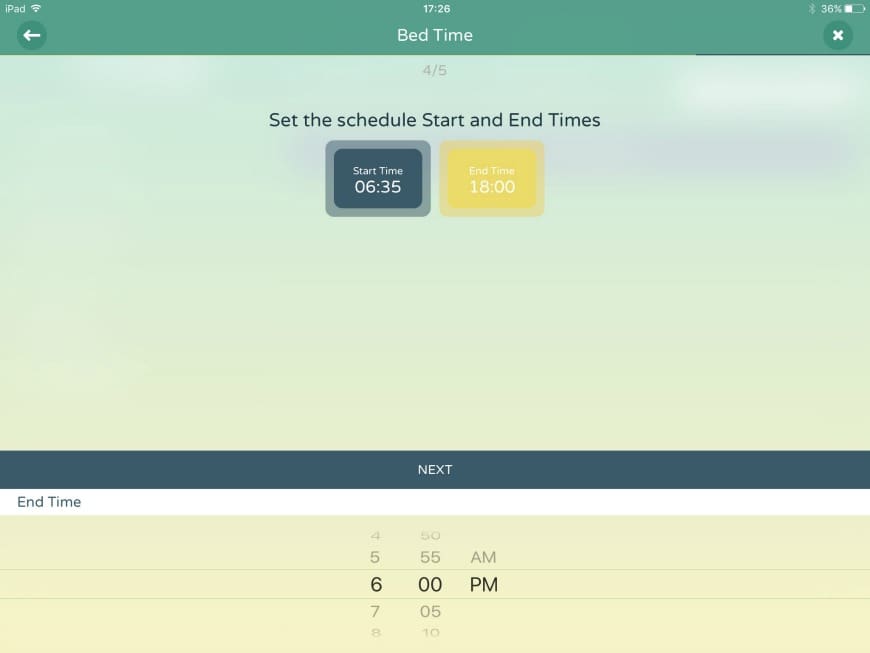
Control how long your kids spend on their screen
We really liked the sound of Kidslox as it enables us to set daily limits and schedules on the boys’ screen time. This is something that we do manually now, but having the ability to set up regular automatic schedules makes this so much easier. In addition to the time limit, we can give time rewards or remove access as a one off. Giving complete control or how long the boys spend on their tech.

Control what they access on their screen
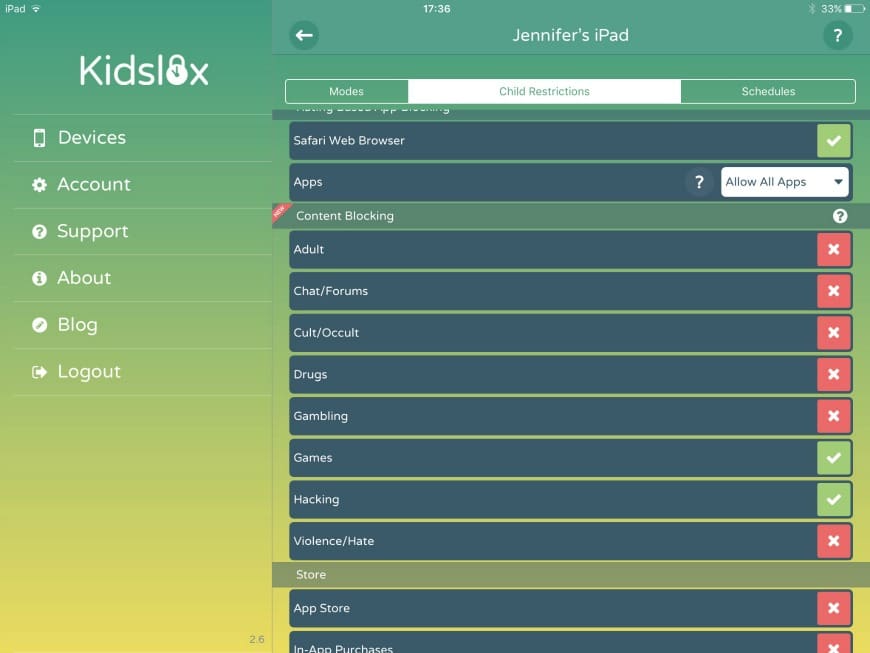
I am also concerned with what my boys access online on the internet and on their devices, so Kidslox can filter inappropriate content from appearing in your child’s browsers and also block apps and other functions from being used on your child’s device. You can block in-app purchases and also ensure that they only use safe search options.
Installing Kidslox
Installation of Kidslox was really simple. The husbeast put it on all the devices in less than 30 minutes, including iPads, iPods, smartphones and any laptops or computers they might use. It is great as it works on IOS and Android devices. We only need one premium Kidlox account for all our devices which is great.
We then set the daily screen time schedules. We have a no screen time after 6pm (unless for homework time) for the boys. This is one of our family’s main rules and I love that Kidslox app can reinforce this without me having to constantly police it.
We then set the apps that the boys can and can not access and also browser filtering and access, so you can also allow access to only educational apps during a certain time which gives you complete ability to control screen time on mobile devices.
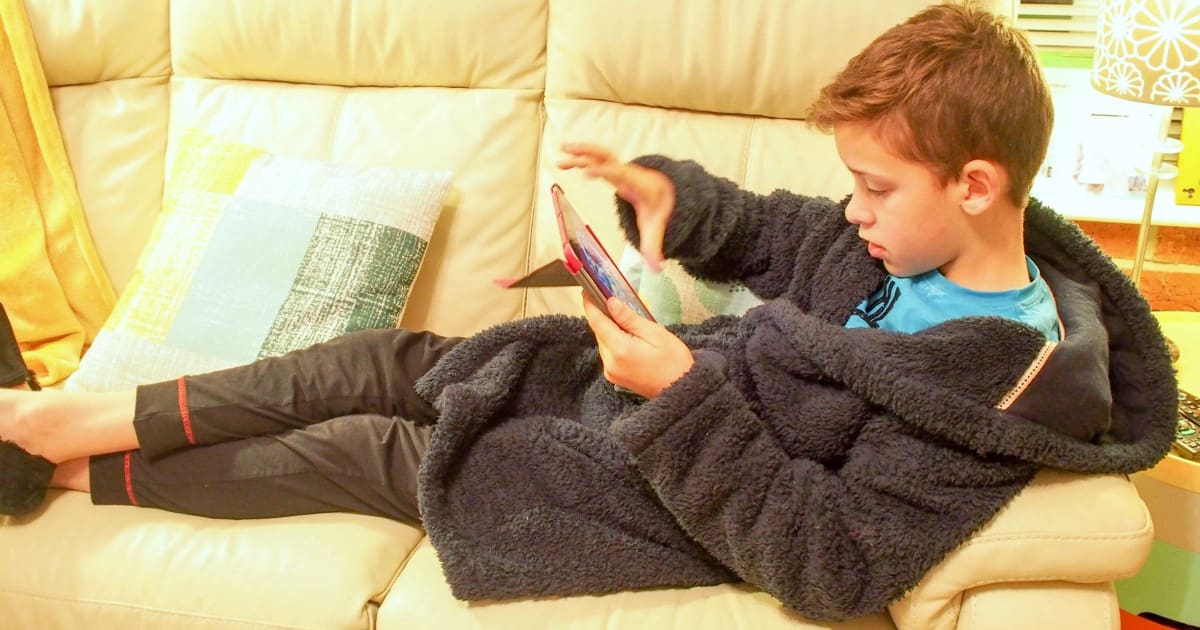
Initial thoughts on Kidslox
Kidslox was simple to install and looks to solve a lot of the issues we have as parents. I am hoping that it helps control my boys’ screen time without the need for constant policing. I am hoping that having the ability to remotely withdraw access and put their devices into instant lock mode will prevent me from physically having to take a device off them improving my parenting syle. I am pretty excited to see how it works for us. The boys are much less excited! Why not try it on your kids devices? You get a free 14 day trial. You can download it from the App store here.
Wondering what we thought of Kidslox long term, then take a look here.
Comments are closed.