

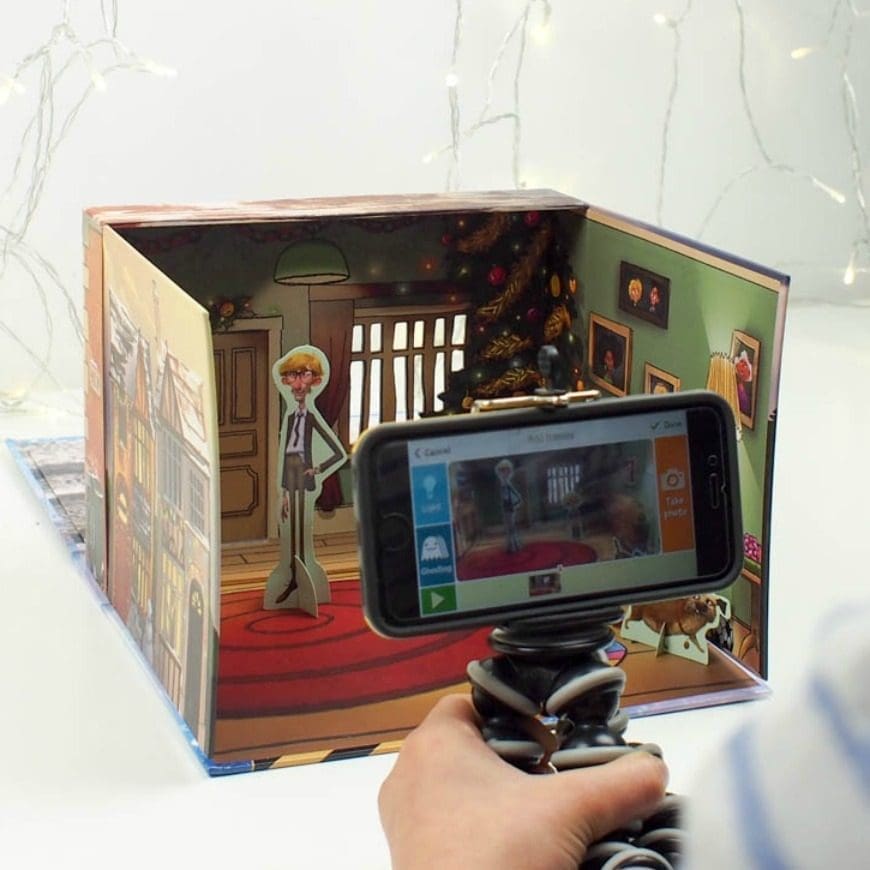
This post for simple stop motion for kids is in partnership with Sainsbury’s. Stop-motion is movie magic you can make at home. With a phone or tablet, a few toys, and a free stop-motion app, kids can turn tiny movements into a real animation.
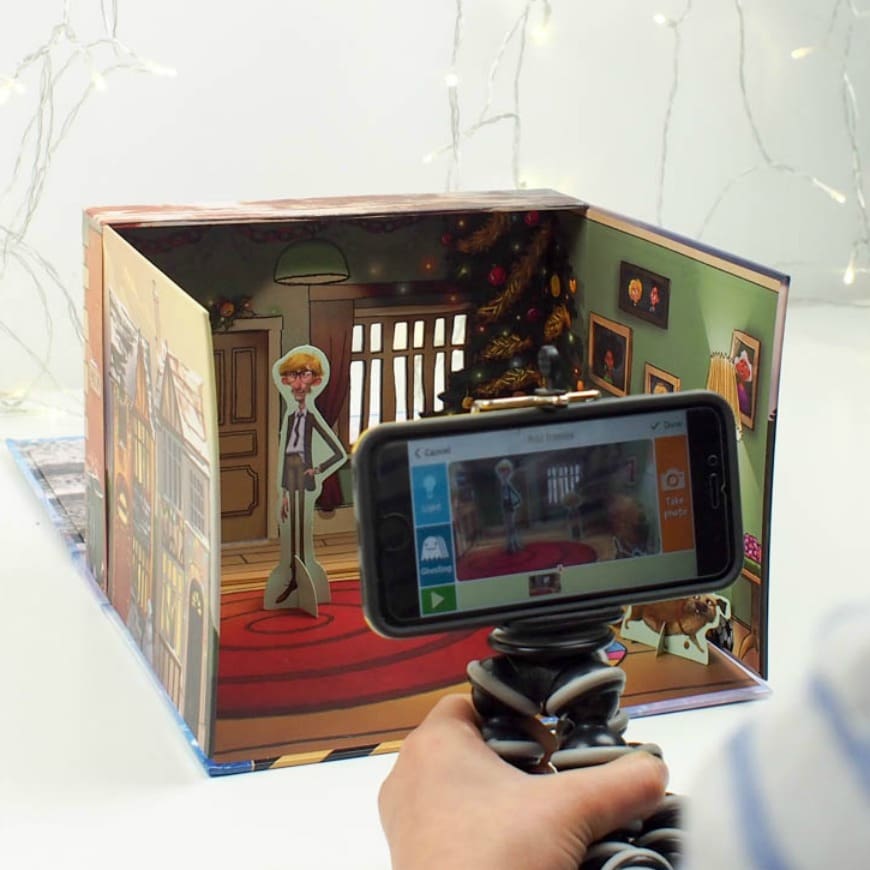
I always thought that stop motion videos would take a lot of time and patience to make and that is something that my boys do not have bucketloads of! But I want to share with you that it is simple. Yes, really. Sainsbury’s have sussed simple stop motion for kids.
Simple Stop Motion for Kids
So first up, what is stop motion? Well, I am sure you will have seen Wallace and Gromit, that is a stop motion film. It’s a filmmaking technique that makes inanimate objects appear to move on their own. Basically, you place your objects in front of the camera, take a picture, move it a little and then take another picture, so on and so on. Digital photographs make this so much faster and a lot of fun. The beautify of stop motion is that you do not need tons of things and special expensive software. In fact, all you really need is a free app.
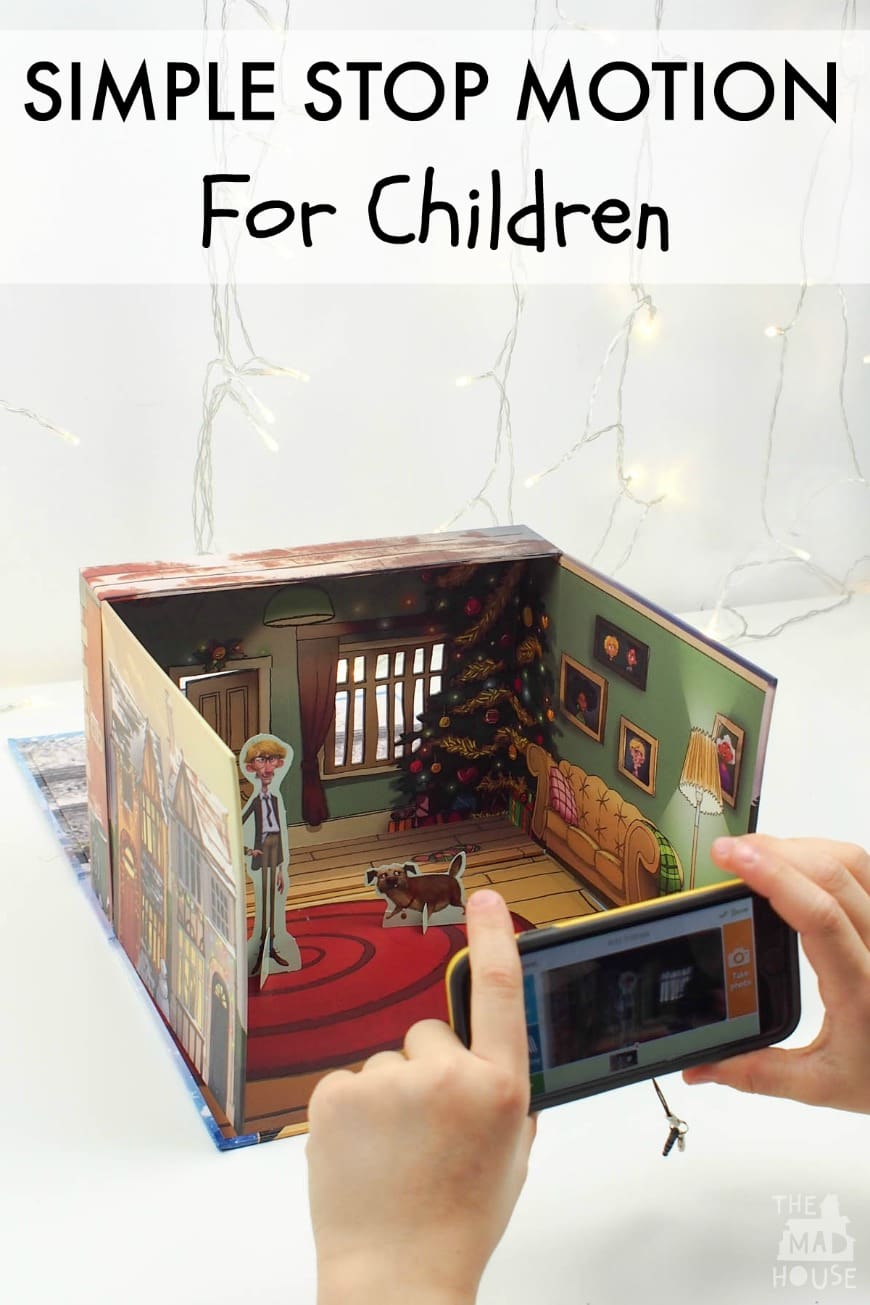
In association with their fantastic Christmas advert, Sainsbury’s have brought out a really affordable amination kit to accompany it. It costs just £5 with a £2 donation to Great Ormond Street Hospital Children’s Charity.
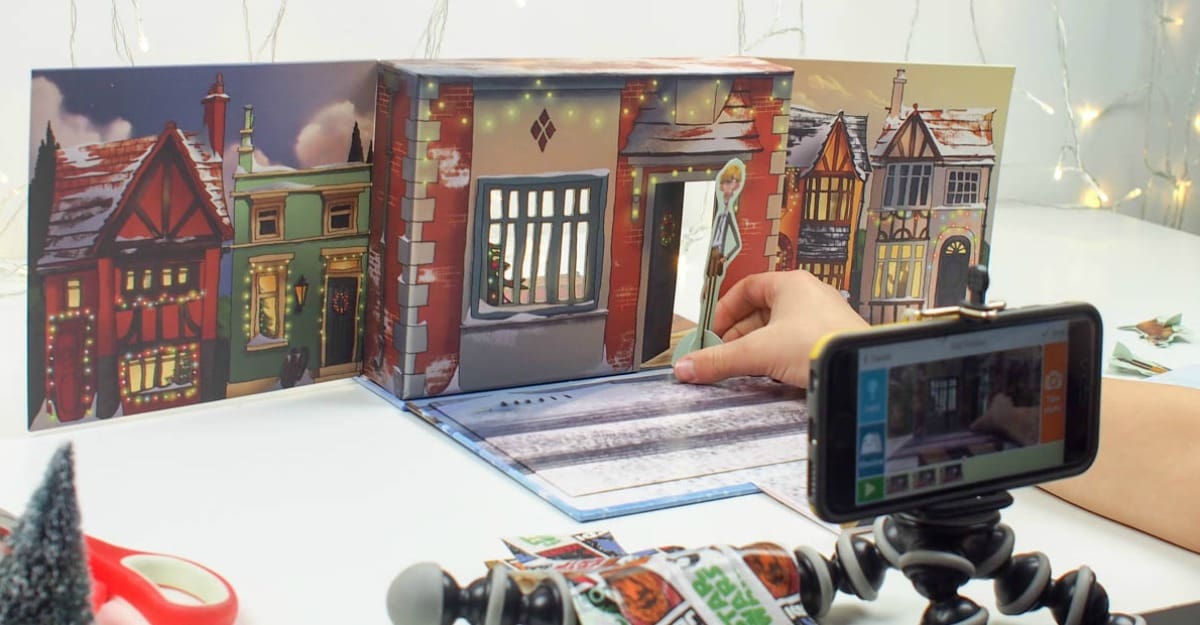
What You Need
- A smartphone or tablet with camera (or any camera that can shoot stills)
- A tripod or phone clamp (or a stack of books + tape) to keep the camera still
- A simple backdrop (sheet of card/fabric) and good, steady lighting
- Characters/props: LEGO, clay, inanimate objects, or paper cut-outs
- A stop-motion app (e.g., Stop Motion Studio – iOS/Android/desktop; supports onion skin, grids, audio, and adjustable frame rate)
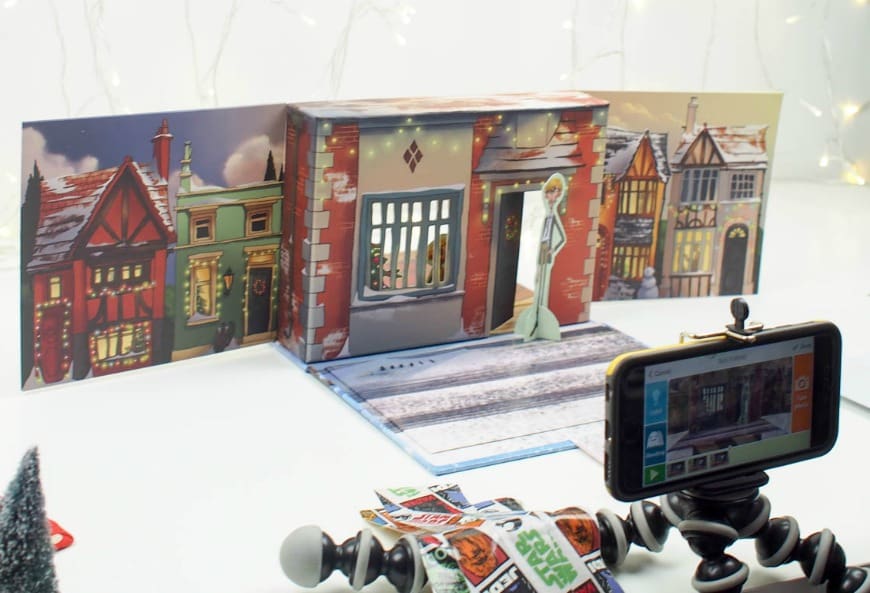
Quick Setup for Beginners
- Plan the story – 3–6 shots with a beginning, middle, and end.
- Lock the camera – mount your device so it never moves.
- Light it once – use a lamp; close blinds to avoid sun changes.
- Shoot the frames – start at 6 FPS (≈6 photos per second of finished video). Ready for smoother motion? Try 12 FPS.
- Use onion skin – turn it on to see a ghost of the last frame so your small changes are steady.
- Add sound effects & music – record a voice-over or drop in audio clips in the app.
- Export & share – save to camera roll. If uploading to YouTube, use ‘Unlisted’ for privacy.
Stop-Motion Ideas
- LEGO chase – toy cars weave through blocks.
- Magic art – a drawing colours itself.
- Clay creature – a blob sprouts eyes and walks.
- Holiday card – paper snowman builds itself for Christmas.
- Food fun – fruit/vegetables slide into a smiley face.
Fix-It Guide
- Jittery video? Bump to 12 FPS or make smaller moves each frame.
- Subject jumps around? Turn on onion skin and use a grid.
- Flickering light? Close blinds, use one lamp, avoid auto-exposure shifts.
Stretch It for Storytellers
- Build a simple storyboard.
- Add titles/credits.
- Try green screen.

Comments are closed.