

Most people don’t fail at budgeting because they’re bad with money. They fail because the app they picked wasn’t built for the way they actually spend it. That’s the gap the best budgeting apps are trying to close in 2026, and there’s more variety out there now than a simple expense tracker. Some apps want you to plan every dollar in advance. Others just want to tell you, honestly, whether you can afford to go out this weekend. We went through seven of the strongest options and broke down who each one is actually for.

Key takeaways
- PocketGuard’s Leftover number tells you what’s safe to spend right now, not just what you already spent.
- YNAB suits people who want to assign every dollar a job before it leaves their account.
- Monarch Money and HoneyDue both work well once more than one person needs to see the same numbers.
- Rocket Money is built for hunting down forgotten subscriptions. Quicken Simplifi is better for income that changes month to month.
- Goodbudget is the app for anyone who liked the old cash-envelope system and never really left it behind.
- Nearly half of Americans now keep a monthly budget, up from 39% in 2021, per a 2026 Ramsey Solutions study – so the tool you pick is doing a lot of work.
Our Top Picks
Quick comparison first, in case you already know roughly what you’re after.
| App | Best for | Starting price | Standout feature |
| PocketGuard | Overall budgeting and spending control | $12.99 per month or $74.99 per year | Safe-to-spend Leftover calculation |
| YNAB | Zero-based budgeting | $14.99 per month or $109 per year | Give every dollar a job |
| Monarch Money | Families | $14.99 per month or $99.99 per year | Shared household dashboards |
| HoneyDue | Couples | Free with optional tips | Bill splitting and shared alerts |
| Rocket Money | Subscription management | Free with a Premium tier | Automatic subscription detection |
| Quicken Simplifi | Cash flow planning | $47.88 per year | Rolling cash flow projections |
| Goodbudget | Envelope budgeting | Free with a paid Plus tier | Digital envelope system |
How We Evaluated Top Household Budgeting Apps
We didn’t rank these off a features page. Each app got linked to real accounts and used through a full month, bills and all, because that’s the only way to find out if a tool holds up once the novelty wears off.
Research & evaluation methodology
We tracked how each app handled the basics, account linking, categorizing, bill reminders, and checked every claim in this piece against current pricing pages before we published it.
Ranking criteria
Automation mattered most to us. An app that still makes you type in every purchase by hand isn’t saving you much of anything. After that we looked at clarity, whether it actually showed where money was going instead of just listing transactions and leaving you to connect the dots. Planning depth and security came next, and price only mattered once an app had already earned its place on the list. The ones that scored best were the personal finance apps that quietly handled the boring parts without hiding what they were doing behind the scenes.

The 7 Best Budgeting Apps to Help You Manage Money
Here’s a closer look at each household budgeting app – what it does best, what it costs, and the type of person it’s built for.
1. PocketGuard – Best Overall Budgeting App
Why we recommend it
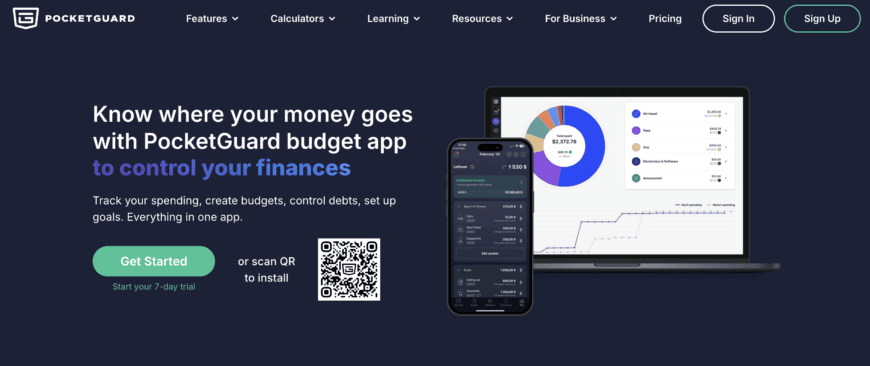
Most household budgeting apps show you a receipt for last month. PocketGuard takes a different approach: this best budgeting app calculates one number, called Leftover, that tells you how much you can spend today after your bills, budgets, and savings goals are already accounted for. Over a million people use it across web, iOS, and Android for that reason alone.
Key features
Leftover updates the moment a transaction posts, so it’s never stale. The app also scans linked accounts for recurring bills and subscriptions on its own, which catches charges people forget about more often than you’d think. Budgets come with a rollover option, so money left unspent in a category carries into next month instead of resetting. There’s also Pace, which watches your spending speed against the last six months of habits and estimates where you’ll end up by the end of the month, early enough that you can still change course. A debt payoff plan lays out a real schedule for clearing balances, and the Last Month’s Budget Review shows a full snapshot of your Leftover, budgets, and bills so you can see what worked. Goals, transaction rules, and tags cover the rest, automating enough of the routine work that budgeting stops feeling like a chore.
Pricing
PocketGuard Plus is $12.99 a month or $74.99 a year. The annual plan works out to about $6.25 a month, well below most competitors.
Who should choose it
It works whether you’ve never made a budget in your life or you’ve been tracking spending in a spreadsheet for a decade and want something that does more of the work for you. It’s especially strong for anyone trying to get out of debt or stop overspending, since Leftover keeps every decision tied to what’s actually there.
Pros & cons
The strength is obvious: one trustworthy number, backed by automation that handles the tedious parts without being asked. Security runs on bank-level encryption. The one thing to know is that the deeper tools, like the debt planner and rollover budgets, sit behind the Plus subscription.
2. YNAB – Best for Zero-Based Budgeting
Why we recommend it
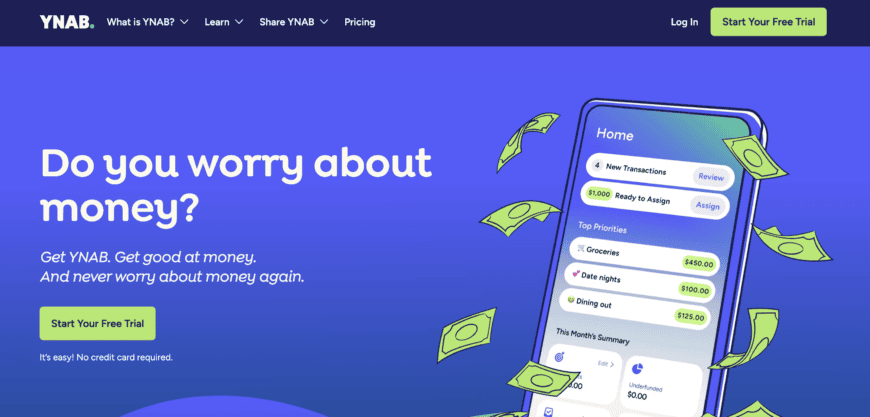
YNAB stands for You Need A Budget, and it means it. Every dollar gets a job the moment it hits your account, which suits people who want to decide where money is going before it’s spent, not after.
Key features
You’ll spend real time funding categories up front. In exchange you get tight reconciliation with linked accounts and reports detailed enough to show exactly where a habit is quietly eating your budget.
Pricing
YNAB runs $14.99 a month or $109 a year, near the top end for a dedicated budgeting app.
Who should choose it
People who’ve tried looser tracking apps and still overspent tend to do better here. YNAB rewards planning ahead over reacting after the fact.
Pros & cons
The method builds real habits, and YNAB’s educational content is some of the best in the category. It asks more of you upfront than most competitors.
3. Monarch Money – Best for Families
Why we recommend it
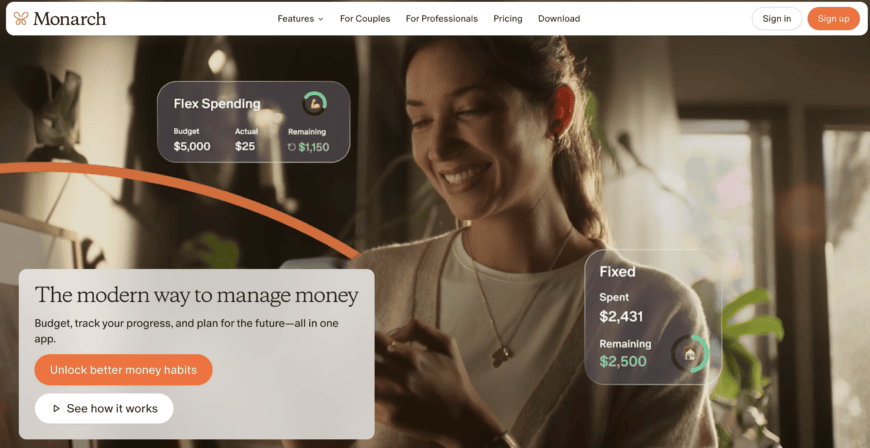
Money gets complicated the moment more than one person is spending it. Monarch Money’s answer is a shared dashboard everyone in the household can log into, instead of stitching together numbers from separate accounts.
Key features
Shared budgets, goal tracking, and reports detailed enough for anyone who wants to see trends over months, not just this week’s spending.
Pricing
Monarch costs $14.99 a month or $99.99 a year.
Who should choose it
Families with joint accounts, kids’ expenses, and shared savings goals will get the most out of it.
Pros & cons
The reporting is genuinely well built, and multi-user access removes the usual friction of keeping two people on the same page. It’s built for households that want to dig into the numbers, not glance at a total once a week.
4. HoneyDue – Best for Couples
Why we recommend it
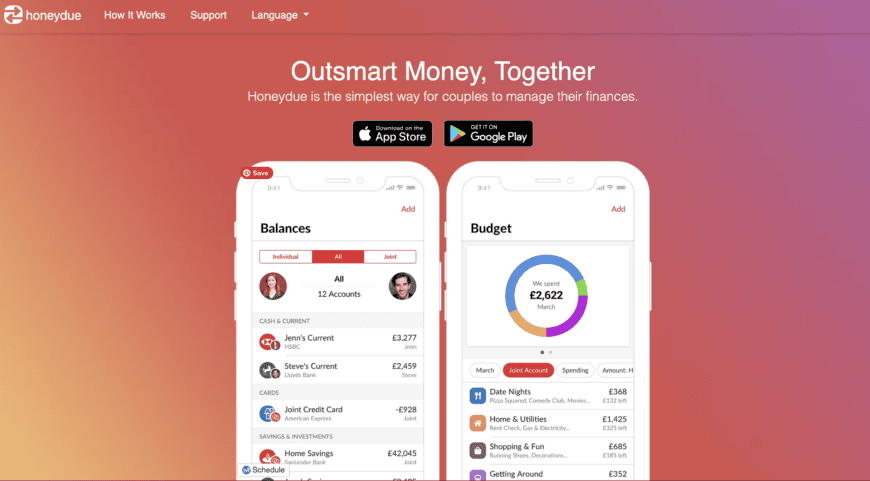
HoneyDue doesn’t ask couples to merge everything. It just gives both partners visibility into shared bills while leaving room for separate accounts to stay separate.
Key features
Link individual and joint accounts side by side, split bills, send reminders before something’s due. There’s in-app chat too, so money conversations don’t end up buried in a text thread.
Pricing
Free, with an option to tip if it’s useful to you.
Who should choose it
Couples combining finances gradually rather than all at once will like that HoneyDue lets some accounts stay private while others are shared.
Pros & cons
It keeps joint budgeting low-pressure, which matters for newer couples especially. It stays focused on shared bills rather than acting as a full financial plan.
5. Rocket Money – Best for Subscription Management
Why we recommend it
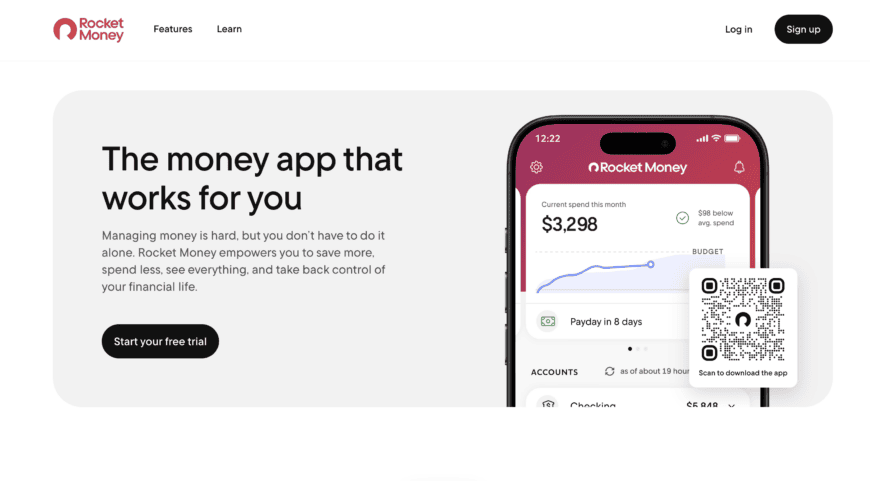
Rocket Money made its name finding the subscriptions people forgot they were paying for. If a $9.99 charge has ever shown up on your statement for something you cancelled months ago, this is the app built to catch it.
Key features
It scans transaction history for every subscription it can find, flags price increases before they hit, and keeps recurring bills in one dashboard instead of scattered across statements.
Pricing
Free to use, with a Premium tier available.
Who should choose it
Anyone with a pile of streaming services and memberships they’ve lost track of will see the value almost immediately.
Pros & cons
It’s fast at surfacing charges you’d otherwise miss. The budgeting side works best when paired with an actual habit of checking in.
6. Quicken Simplifi – Best for Cash Flow Planning
Why we recommend it
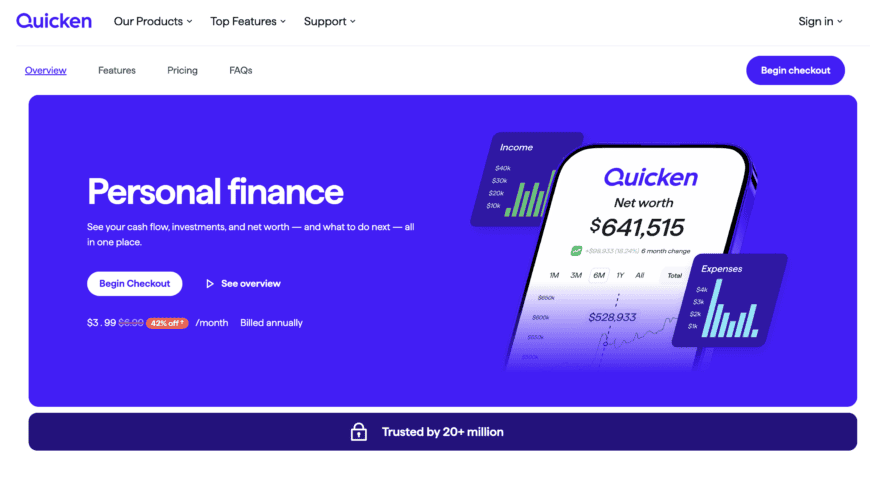
Simplifi looks ahead instead of back, projecting upcoming income and expenses so a shortfall shows up on your radar before your account is already overdrawn.
Key features
Customizable spending plans and category watchlists feed rolling projections, giving a realistic read on where your balance is headed in the coming weeks.
Pricing
$47.88 a year.
Who should choose it
Freelancers and anyone whose paycheck isn’t the same twice will get more out of Simplifi’s forward-looking view than a typical tracker.
Pros & cons
The projections genuinely help when income is irregular, which is exactly where most budgeting apps struggle. Keeping them accurate means checking in fairly often.
7. Goodbudget – Best Envelope Budgeting App
Why we recommend it
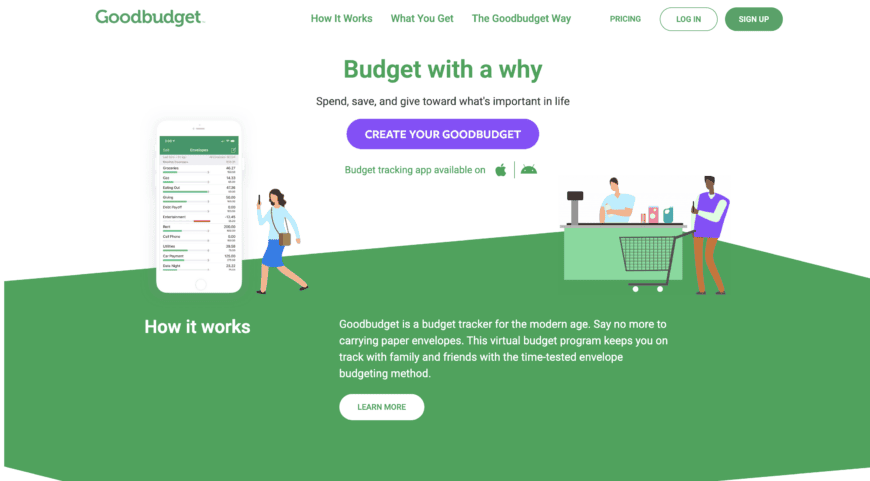
Goodbudget takes the cash-envelope method and moves it onto your phone. Income gets split into virtual envelopes for groceries, rent, entertainment, whatever categories fit your life.
Key features
Envelopes sync across devices, so a couple or family can share a budget without linking every account. Manual entry works right alongside optional bank syncing.
Pricing
Free with a limited number of envelopes, plus a Plus tier for more.
Who should choose it
If the envelope system always made sense to you but carrying actual cash didn’t, this is the closest digital version.
Pros & cons
The visual limits build real discipline, since it’s harder to ignore an empty envelope than a number on a screen. It asks for more manual upkeep than apps built entirely around automatic syncing.
How to Choose the Right Budgeting App
There isn’t one best household budgeting app for everyone. There’s just the one that fits how you actually deal with money, and that looks different depending on whether you’re a spreadsheet person or someone who’d rather an app just tell you the answer. A good budget planner app makes your financial life lighter. That’s really the whole test.
Budgeting method
Some people want every dollar assigned to a job before it’s spent, that’s zero-based budgeting, and it’s basically what YNAB is built around. Other people just want one number telling them what’s safe to spend without babysitting a dozen categories. Digital envelopes suit anyone who thinks in categories. Whatever method you’ve stuck with longest before is usually worth building on now.
Automation & bank sync
Nobody wants to type every purchase in by hand, so automatic imports and bill detection matter more than most features on a list. The apps that flag recurring charges or estimate your spending pace earn their keep here. They’re the difference between catching a problem mid-month and getting blindsided by it at the end.
Security & privacy
Bank-level encryption and read-only account connections are non-negotiable before you link anything. Skim the privacy policy too, it takes a minute. Reputable apps pull your data through established aggregators like Plaid rather than storing your bank login themselves.
Pricing & long-term value
Look past the sticker price and check what each tier actually unlocks. A cheap app that’s missing the one feature you’d actually use isn’t really cheap at all. For what it’s worth, a 2026 Ramsey Solutions study found the share of Americans keeping a monthly budget climbed from 39% in 2021 to 47% today, so more people seem to be finding tools worth sticking with.

FAQ
What is the best budgeting app overall?
PocketGuard is our top overall pick. It’s less about any one standout feature and more about how much it covers under one roof – the safe-to-spend number, automatic bill detection, a real debt payoff plan. Most money management apps make you choose one of those. PocketGuard doesn’t.
Are budgeting apps safe to connect to bank accounts?
Generally, yes, as long as you stick with established names. They connect through data aggregators like Plaid, so the app can read your transactions but has no way to actually move money. Two things worth checking before you link anything: read-only access and bank-level encryption.
What is the difference between free and paid budgeting apps?
Mostly limits. Free tiers cap how many accounts or categories you can track, sometimes tightly enough that the app stops being useful. Paying removes those caps and unlocks the tools that do the real work, things like debt payoff plans and deeper reporting.
Which budgeting app is best for beginners?
Whichever one turns your finances into a single number you can actually act on, rather than a spreadsheet of categories to learn on day one. That’s why PocketGuard’s Leftover tends to click fast for first-timers.
Can a household budgeting app help you save more money?
They can, mostly by catching what you’d miss on your own. Forgotten subscriptions are the classic example. YouGov’s research backs this up too: about half of people who budget say increasing their savings is the entire reason they started.
What is zero-based budgeting, and which app is best for it?
Every dollar gets assigned a job before you spend it, so nothing just sits there unaccounted for. It takes more discipline than most methods, which is exactly what YNAB was built around.
Do budgeting apps replace spreadsheets?
For most people, yes, and honestly they should. A solid personal finance app handles the syncing and categorizing a spreadsheet never will on its own. Spreadsheets still make sense if you want total manual control, but that’s a smaller group than it used to be.
Final Verdict
Every app on this list earns its spot somewhere. HoneyDue works for couples who want shared visibility without merging accounts. Simplifi works for anyone whose income moves around. But if you only want to install one app and have it cover most of what you need, from your first budget to a plan you actually stick to, PocketGuard is where we’d start. The Leftover number alone does more work than most trackers manage with a dozen features.